- Daily free credits
- Google sign-in bonus
- Brush-precise erase
- Download results
 AI object remover with precise brush control
Use our AI object remover to paint over trash, signs, or gear and fill the background naturally—same workbench as AI Image Cleaner.
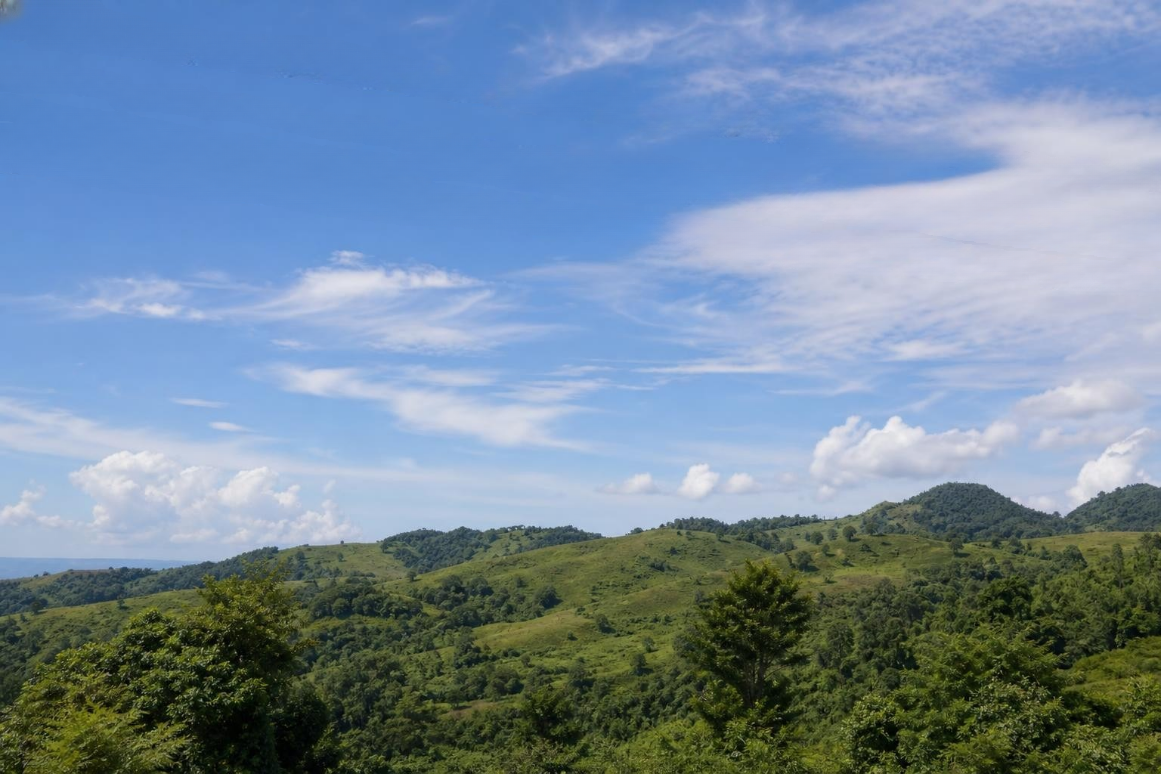
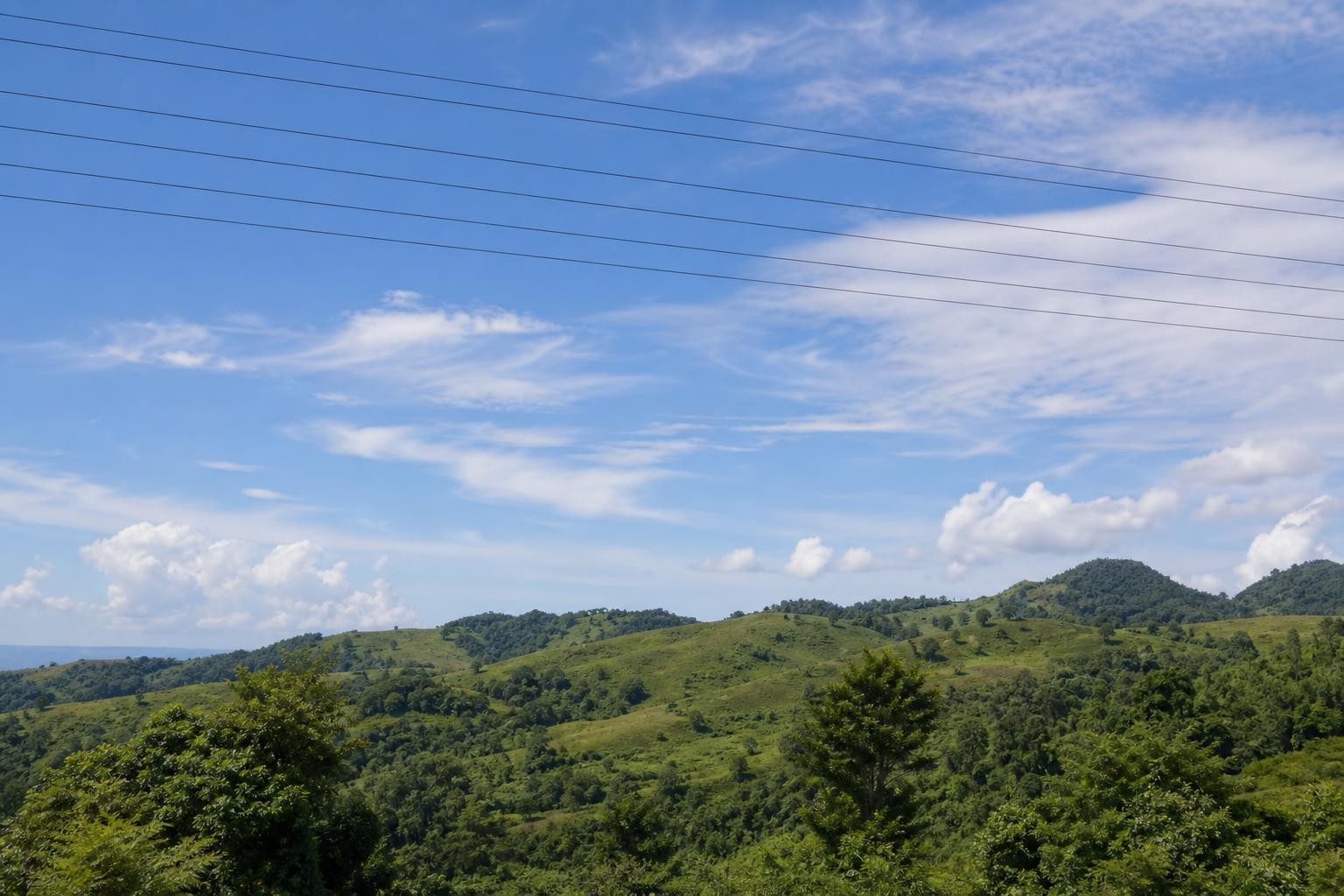
Before / AfterErase clutter and thin wires from the scene.
Upload your photo
One AI eraser. Every kind of unwanted pixel.
Three steps. About thirty seconds.
Upload, paint the erase mask, then download the result.
01
Open the object remover workbench
Upload a travel or street frame where a single clutter object ruins the composition.
02
Mask only the clutter object
Keep strokes tight to edges. Include soft shadows if they would look odd after removal.
03
Clean and compare textures
Review sand, asphalt, or desk grain on the before/after slider. Expand the mask slightly if residue remains.
Built for cleanup, not gimmicks
Honest limits, precise brush control, and inpainting that rebuilds the background.
- ✓Daily free credits
- ✓Google sign-in bonus
- ✓Brush-precise erase
- ✓Download results
Example cleanup cases
Common distractions people brush away — then download a clean shot.

 BeforeAfter
Beach towel and bag in a travel photo
Mask the gear on the sand; inpainting rebuilds grain so the shore looks unused. Ideal for trip posts where clutter steals the coastline.
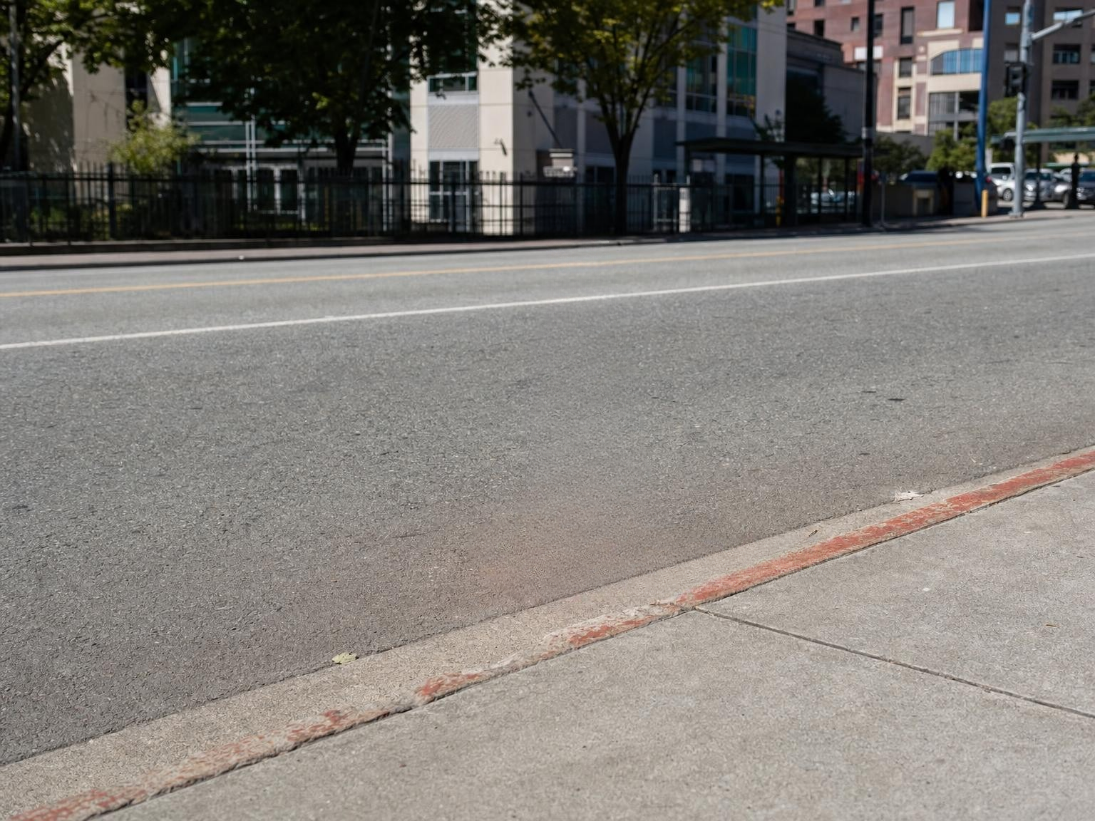
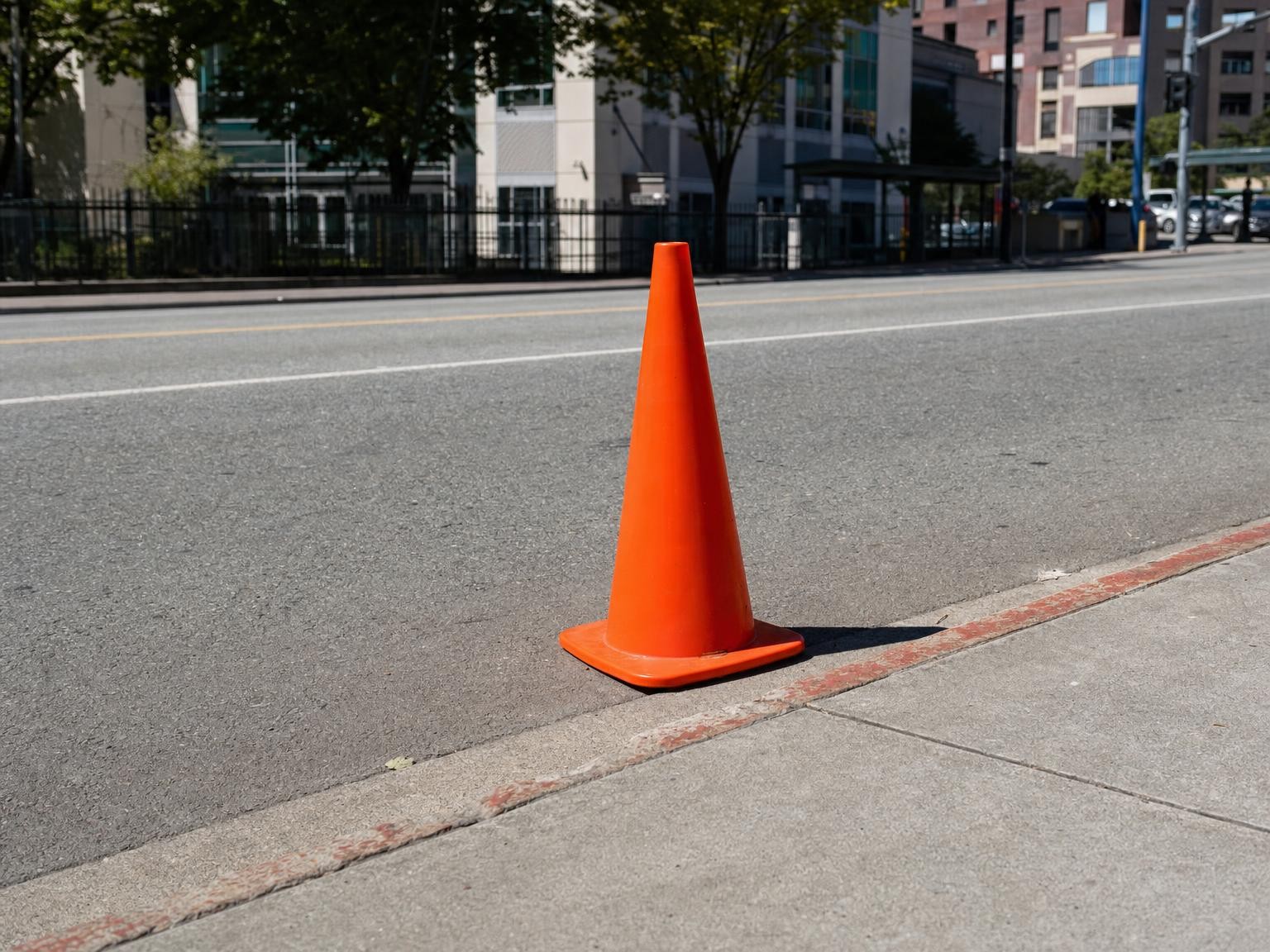 BeforeAfter
Construction cone in a street scene
Cover the cone and shadow, then let the model continue asphalt and curb lines without cloning by hand.

 BeforeAfter
Sticky note on a product desk shot
Remove the note without rebuilding the whole desk—only the masked patch is rewritten for catalog-ready frames.
FAQ