- Daily free credits
- Google sign-in bonus
- Brush-precise erase
- Download results
 AI watermark remover for logos and overlays
Brush stock marks, channel bugs, or stamped logos and use our AI watermark remover to rebuild the underlying pixels.
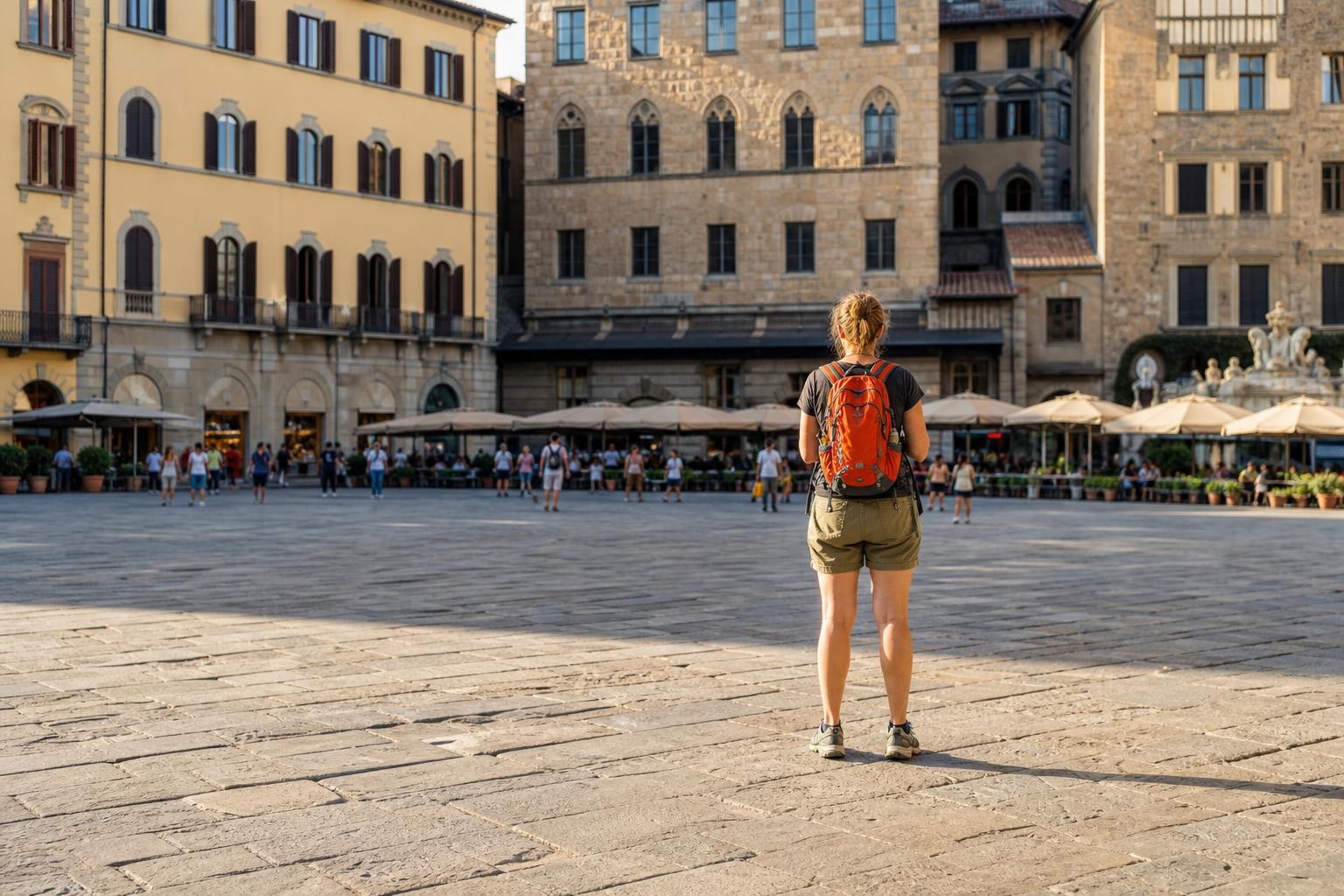
Before / AfterScrub overlays while keeping the photo intact.
Upload your photo
One AI eraser. Every kind of unwanted pixel.
Three steps. About thirty seconds.
Upload, paint the erase mask, then download the result.
01
Confirm you may edit the file
Watermark removal is for images you own or are licensed to modify—not for stripping others’ protection.
02
Mask every visible mark
Cover letters, icons, and faint opacity. Use a slightly larger brush on soft-edged overlays.
03
Clean and verify texture
Check that wood grain, fabric, or sky matches neighbors. Re-run with a tighter mask if needed.
Built for cleanup, not gimmicks
Honest limits, precise brush control, and inpainting that rebuilds the background.
- ✓Daily free credits
- ✓Google sign-in bonus
- ✓Brush-precise erase
- ✓Download results
Example cleanup cases
Common distractions people brush away — then download a clean shot.
 BeforeAfter
Replace with photo pair
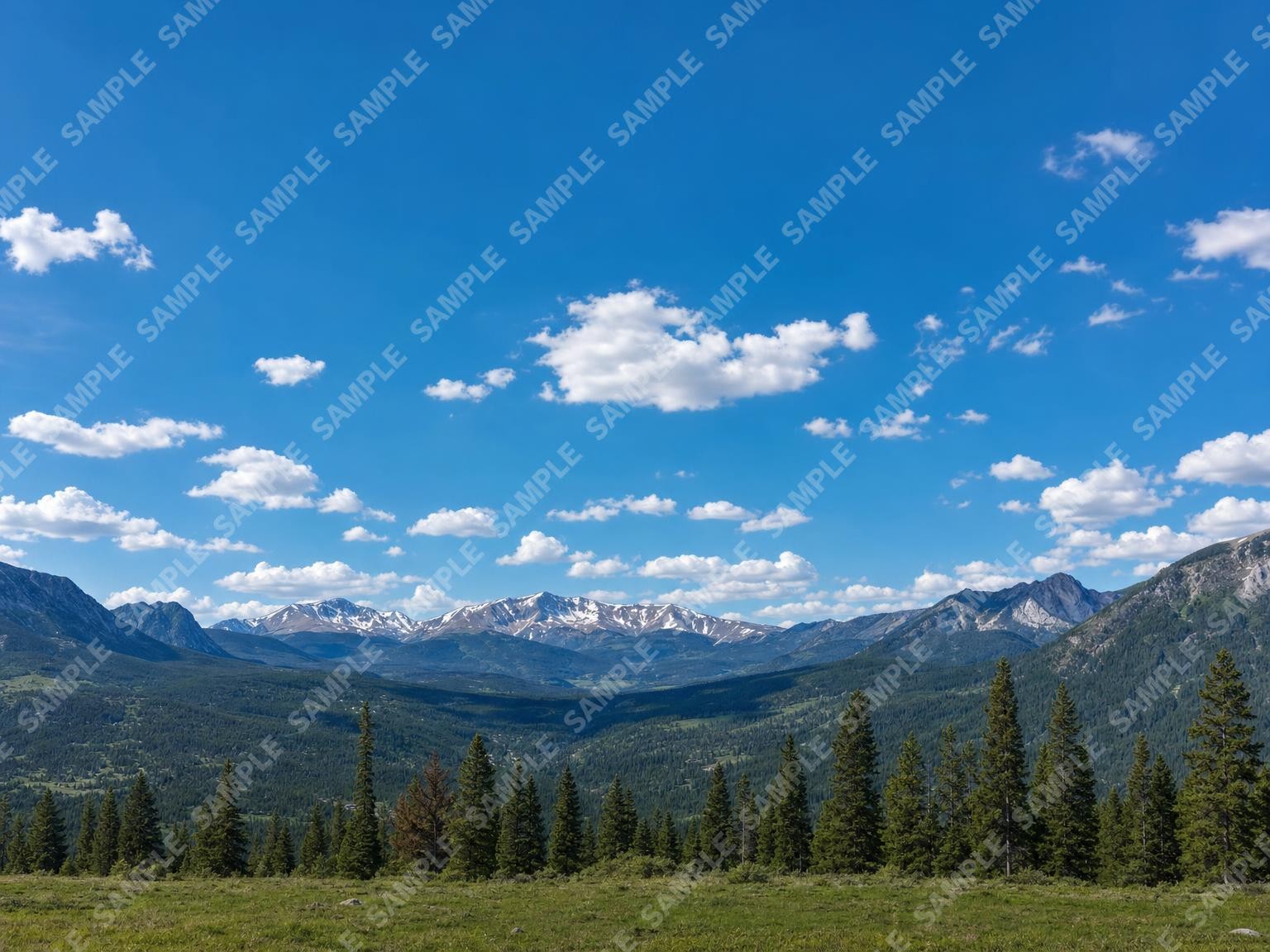
Sky/landscape with diagonal repeating stock watermark text. After = mark gone; cloud/sky texture continuous. · Drop after: /assets/cases/wm-diagonal-after.jpg
4:3 · longest side 1400–1800px · matching before/after crop · JPEG/WebP · sRGB
After pending: /assets/cases/wm-diagonal-after.jpg
Diagonal stock watermark across a sky
Mask the repeating text band; the fill continues cloud texture instead of leaving a soft blur stripe.
 BeforeAfter
Replace with photo pair
Owned product photo with solid corner logo. After = logo gone; tabletop edge clean. · Drop after: /assets/cases/wm-corner-after.jpg
4:3 · longest side 1400–1800px · matching before/after crop · JPEG/WebP · sRGB
After pending: /assets/cases/wm-corner-after.jpg
Corner logo on a product photo you own
Cover the mark and a few pixels of padding so the tabletop texture meets cleanly at the edge.
 BeforeAfter
Replace with photo pair
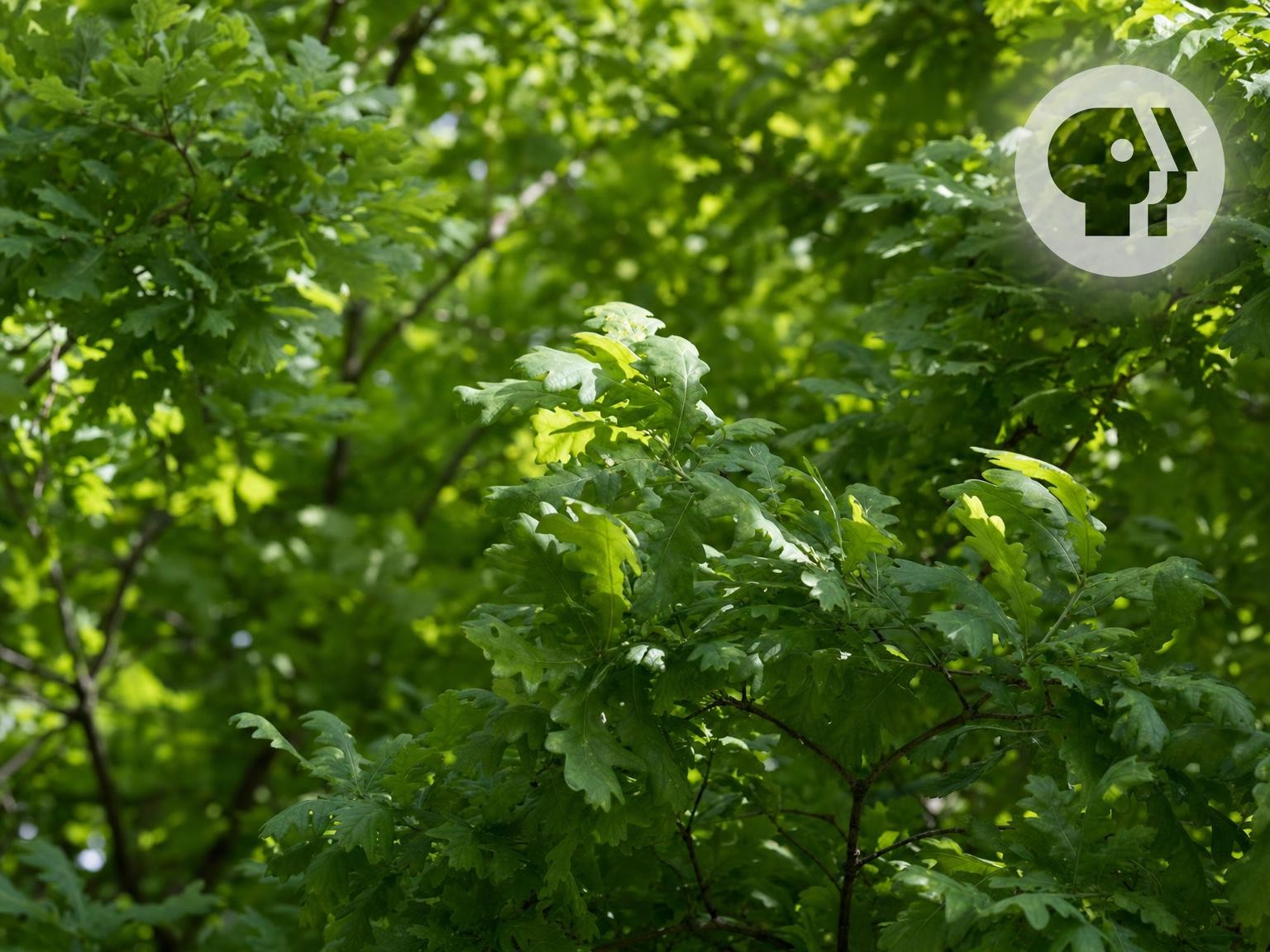
Foliage/scene with semi-transparent agency bug. After = full soft halo removed; no ghost logo. · Drop after: /assets/cases/wm-softbug-after.jpg
4:3 · longest side 1400–1800px · matching before/after crop · JPEG/WebP · sRGB
After pending: /assets/cases/wm-softbug-after.jpg
Semi-transparent agency bug over foliage
Include the full translucent area—partial masks often leave a ghost of the logo on leaves or sky.
FAQ