- Daily free credits
- Google sign-in bonus
- Brush-precise erase
- Download results
 Remove an object from a photo in your browser
Select junk, wires, or props with a brush and remove an object from a photo using the same AI cleaner workbench.
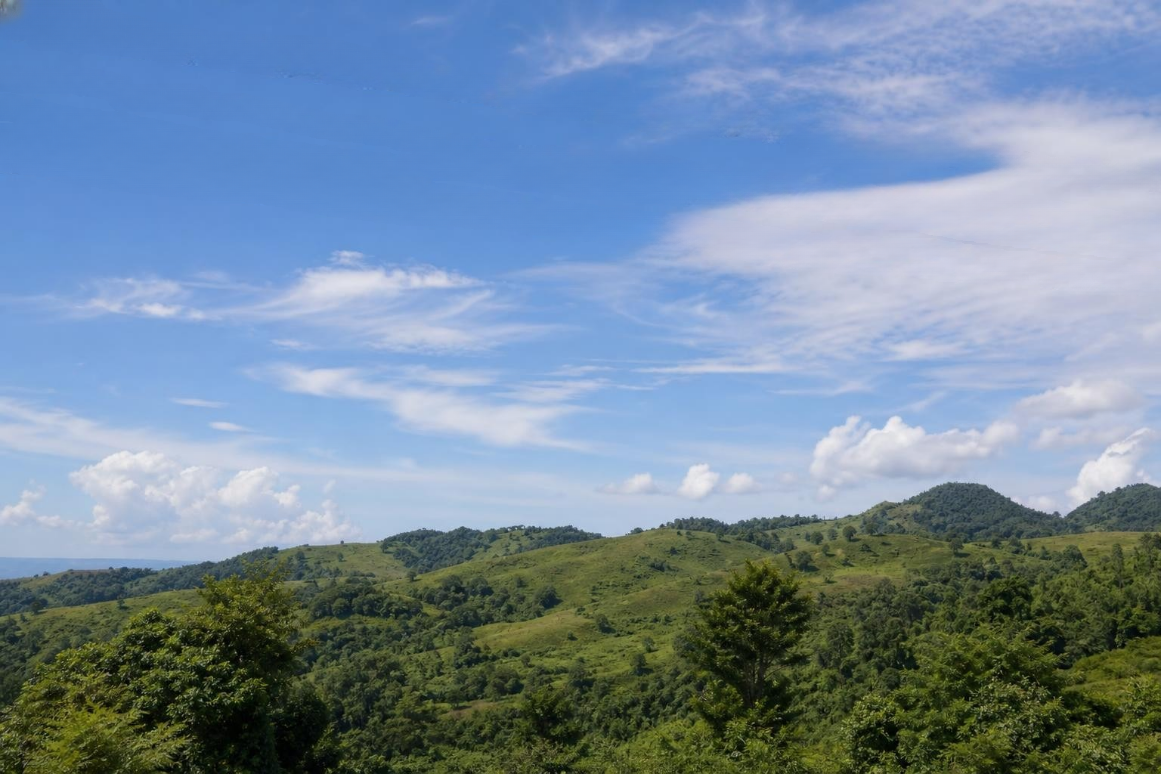
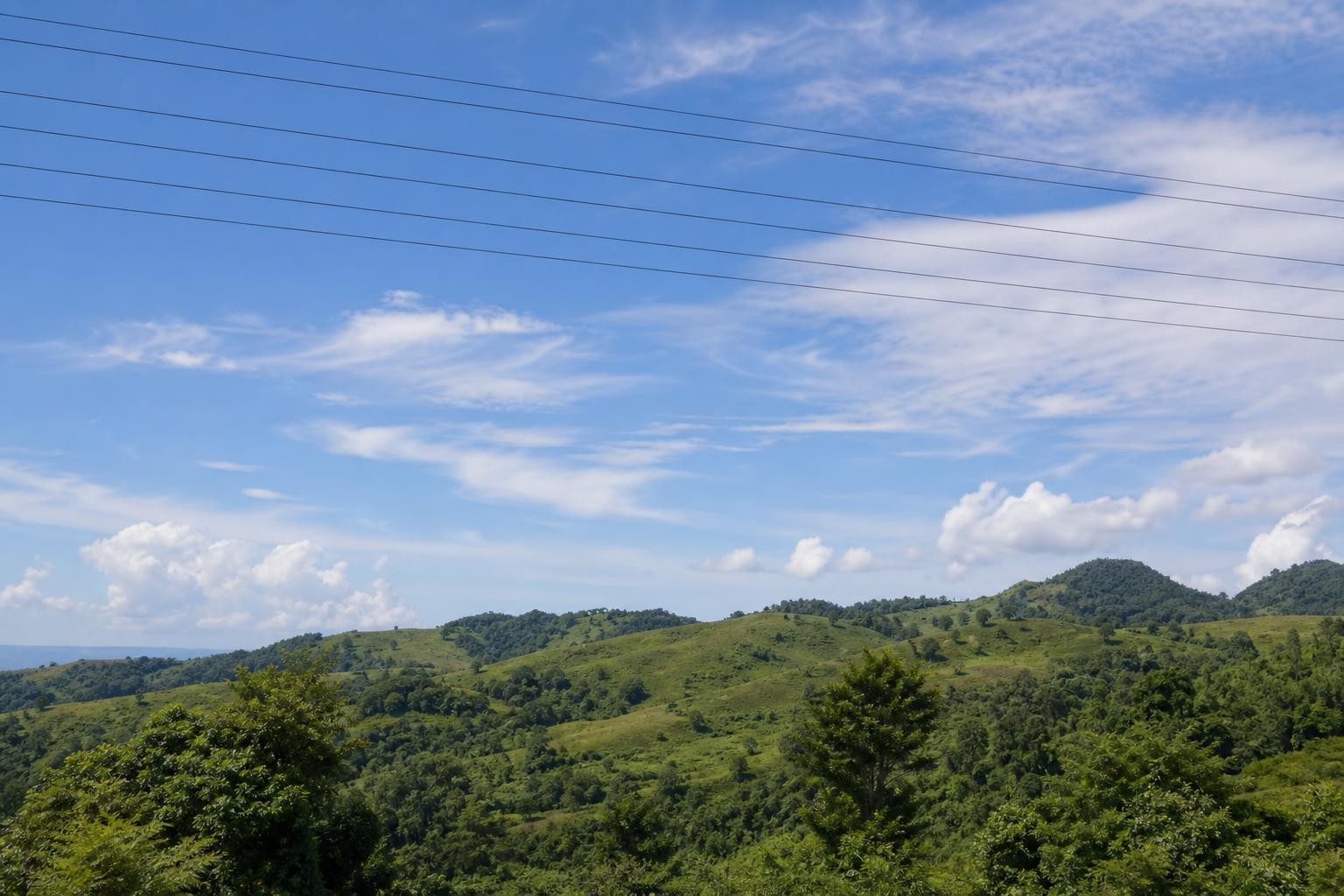
Before / AfterErase clutter and thin wires from the scene.
Upload your photo
One AI eraser. Every kind of unwanted pixel.
Three steps. About thirty seconds.
Upload, paint the erase mask, then download the result.
01
Bring the listing or stage photo in
Start from this landing’s workbench—best for props, bins, stands, and flare blobs you need gone.
02
Outline the object plus contact shadow
Contact shadows sell realism. Skipping them leaves floating dark patches on lawn or stage floors.
03
Export the cleaned frame
Use before/after to spot halos. Adjust brush size for thin stands vs bulky bins, then clean again if needed.
Built for cleanup, not gimmicks
Honest limits, precise brush control, and inpainting that rebuilds the background.
- ✓Daily free credits
- ✓Google sign-in bonus
- ✓Brush-precise erase
- ✓Download results
Example cleanup cases
Common distractions people brush away — then download a clean shot.
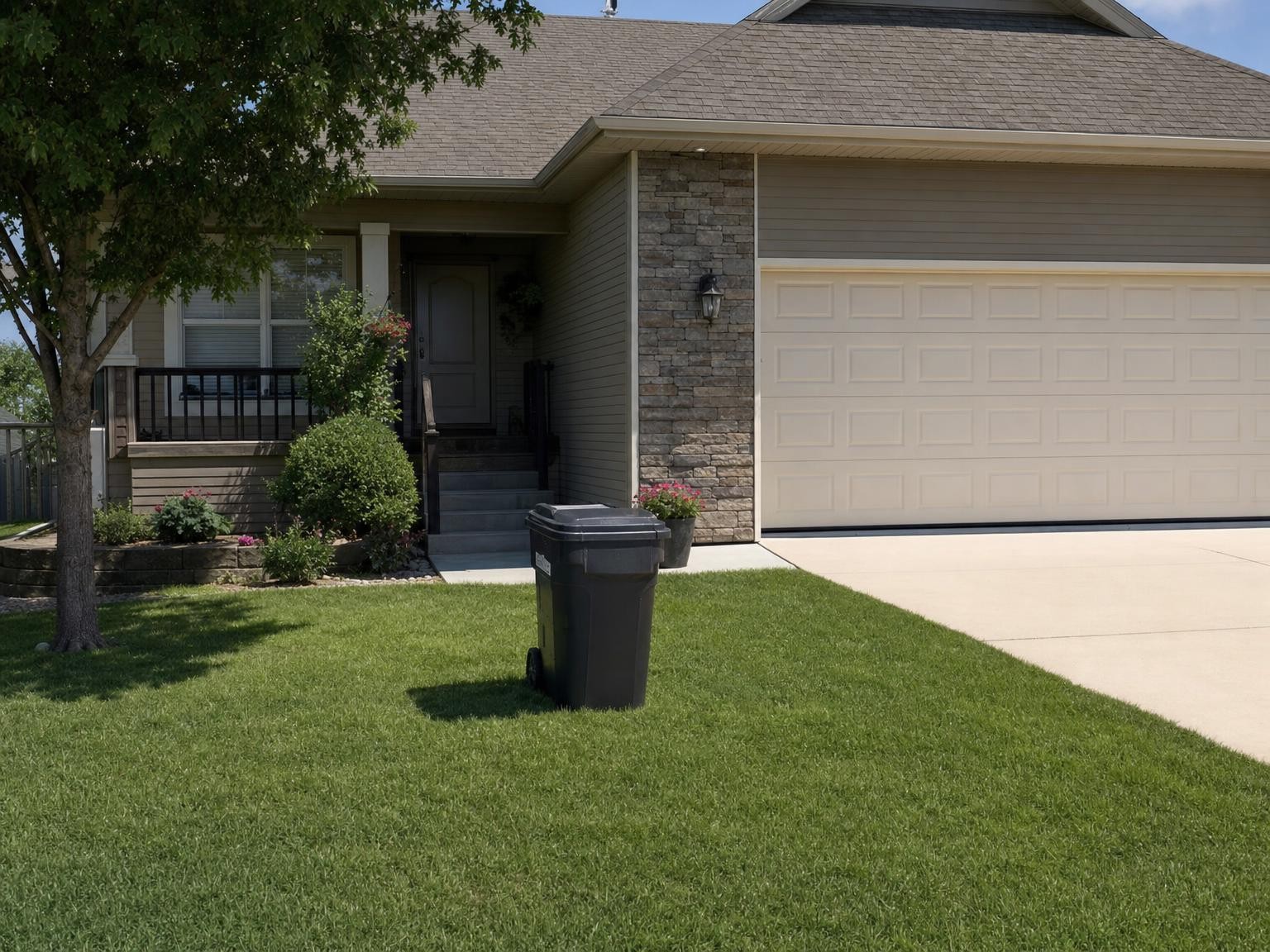 BeforeAfter
Replace with photo pair
Real-estate exterior with trash bin + cast shadow on lawn. After = bin gone; grass/siding continuous. · Drop after: /assets/cases/obj-trash-after.jpg
4:3 · longest side 1400–1800px · matching before/after crop · JPEG/WebP · sRGB
After pending: /assets/cases/obj-trash-after.jpg
Trash can in a real-estate exterior
Mask the bin and cast shadow so lawn and siding read continuous for listing photos you are allowed to edit.
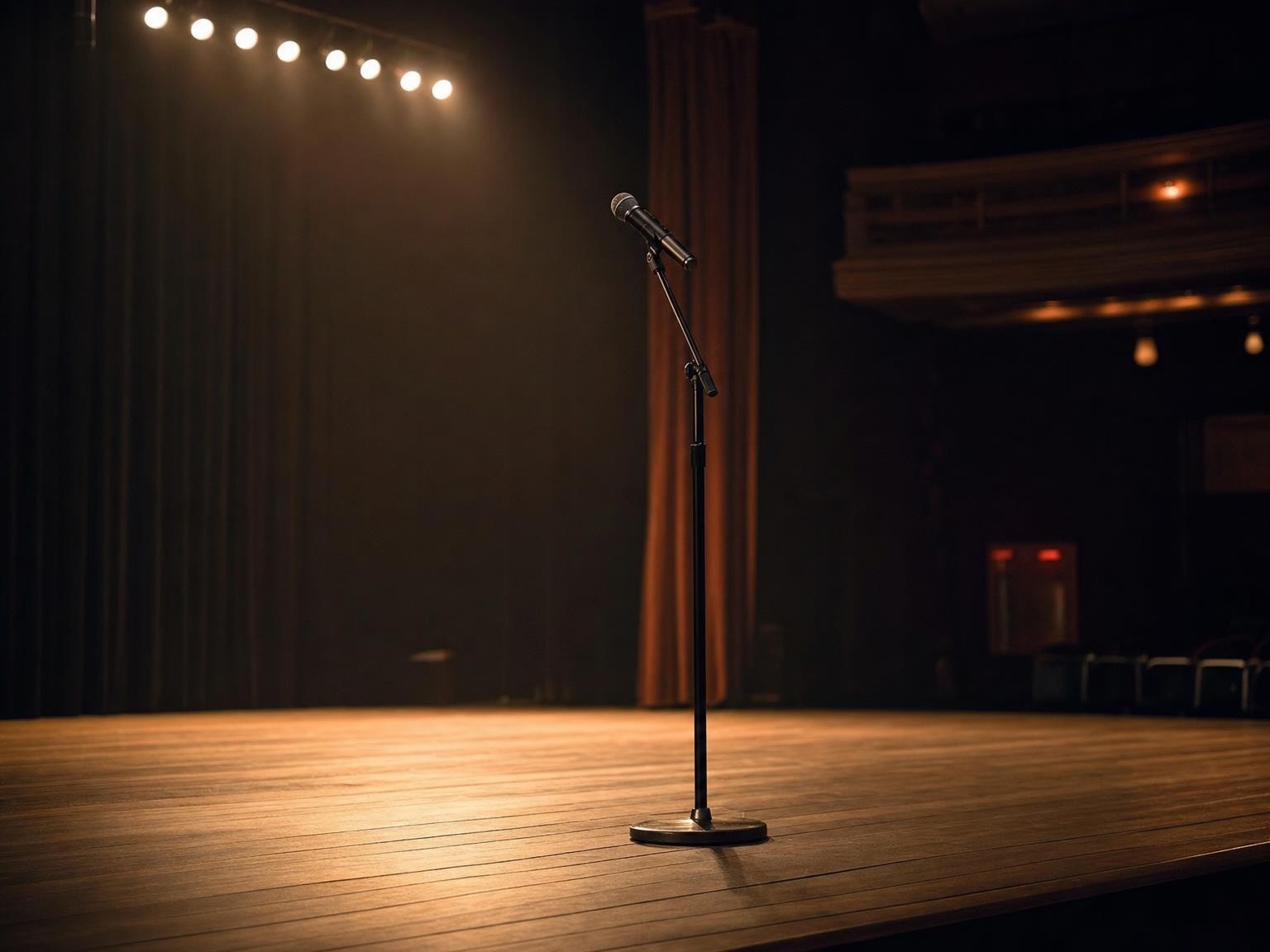 BeforeAfter
Replace with photo pair
Stage photo with thin mic stand. After = stand gone; floor boards align. · Drop after: /assets/cases/obj-mic-after.jpg
4:3 · longest side 1400–1800px · matching before/after crop · JPEG/WebP · sRGB
After pending: /assets/cases/obj-mic-after.jpg
Mic stand in a stage photo
Paint the stand thin and tall; check that floor boards align after the fill for a cleaner performance shot.
 BeforeAfter
Replace with photo pair
Indoor/outdoor shot with bright lamp flare bloom. After = bloom reduced/removed; nearby highlights believable. · Drop after: /assets/cases/obj-flare-after.jpg
4:3 · longest side 1400–1800px · matching before/after crop · JPEG/WebP · sRGB
After pending: /assets/cases/obj-flare-after.jpg
Lens flare blob from a bright lamp
Treat flare as an object—mask the bloom carefully so nearby highlights stay believable.
FAQ