- Daily free credits
- Google sign-in bonus
- Brush-precise erase
- Download results
 Remove text from an image with AI inpainting
Paint over captions, subtitles, and date stamps to remove text from an image with AI that rebuilds the background underneath.


Before / AfterRemove burned-in date stamps and captions.
Upload your photo
One AI eraser. Every kind of unwanted pixel.
Three steps. About thirty seconds.
Upload, paint the erase mask, then download the result.
01
Upload a still with unwanted type
Works on burned-in captions and stamps. Editable text layers in design files should be removed in the editor instead.
02
Cover glyphs and boxes
Include underline bars and drop shadows. Leaving a shadow makes “ghost text” after the fill.
03
Download a text-free still
Compare against the original. For dense paragraphs, clean in two passes (upper then lower) for sharper seams.
Built for cleanup, not gimmicks
Honest limits, precise brush control, and inpainting that rebuilds the background.
- ✓Daily free credits
- ✓Google sign-in bonus
- ✓Brush-precise erase
- ✓Download results
Example cleanup cases
Common distractions people brush away — then download a clean shot.
 BeforeAfter
Replace with photo pair
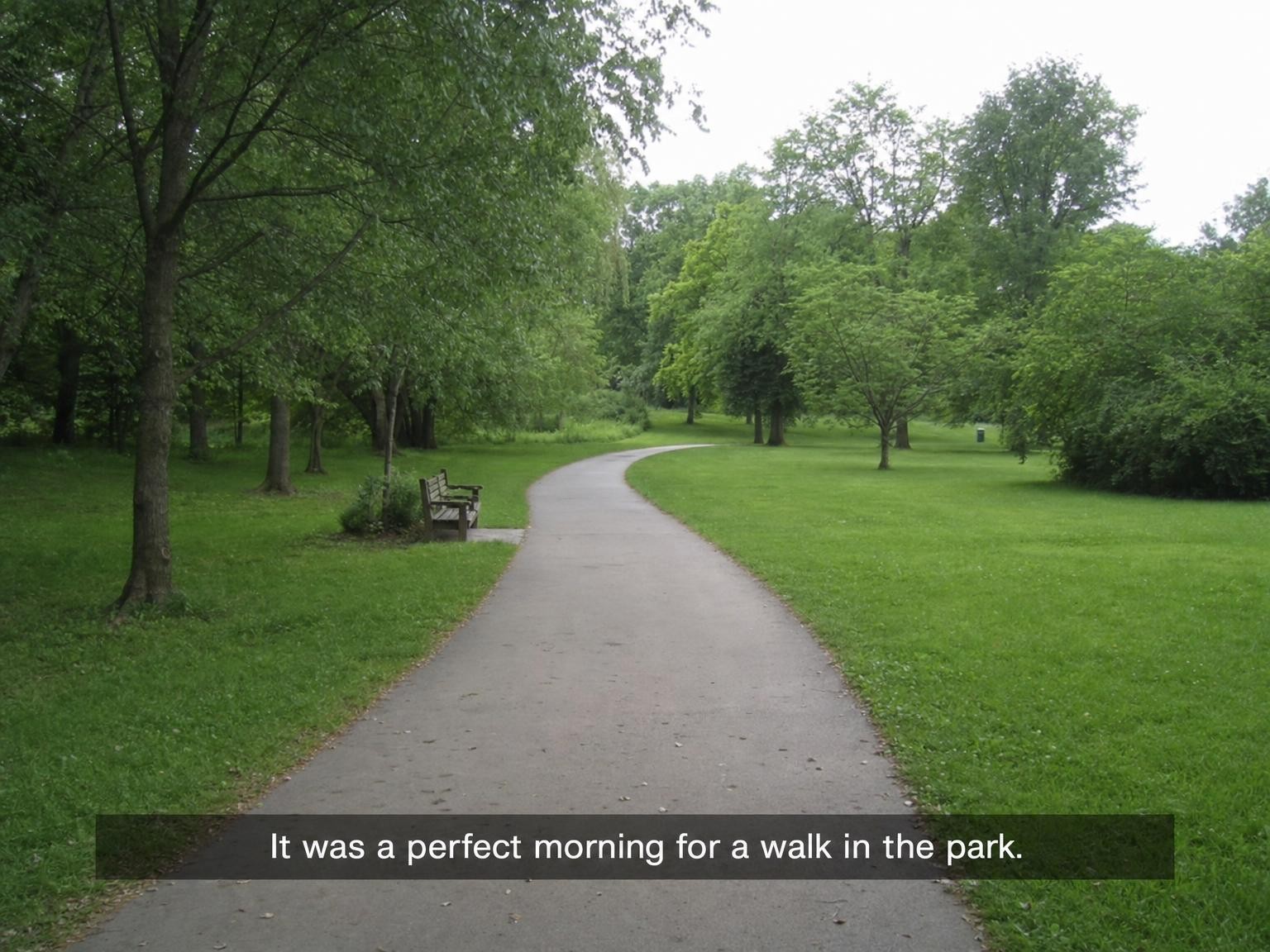
Video still with hardcoded subtitle bar. After = bar gone; grass/pavement continues. · Drop after: /assets/cases/text-subtitle-after.jpg
4:3 · longest side 1400–1800px · matching before/after crop · JPEG/WebP · sRGB
After pending: /assets/cases/text-subtitle-after.jpg
Hardcoded subtitle on a still frame
Mask the entire subtitle bar so grass or pavement continues without a gray rectangle.
 BeforeAfter
Replace with photo pair
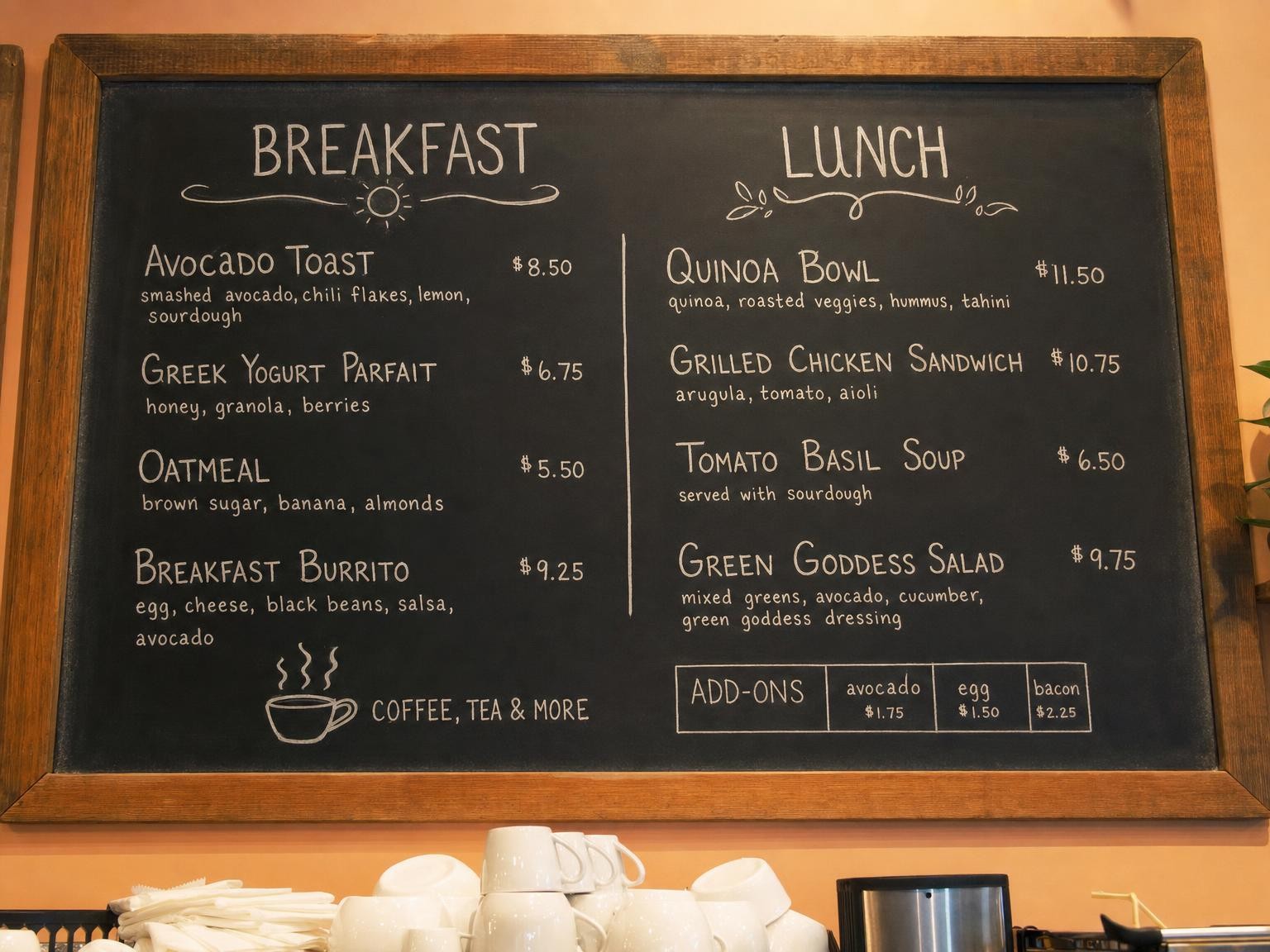
Menu board photo with chalk/printed price numbers. After = numbers gone; board texture intact. · Drop after: /assets/cases/text-price-after.jpg
4:3 · longest side 1400–1800px · matching before/after crop · JPEG/WebP · sRGB
After pending: /assets/cases/text-price-after.jpg
Price tag text on a menu board photo
Erase chalk or printed numbers while keeping board texture and neighboring dishes intact.
 BeforeAfter
Replace with photo pair
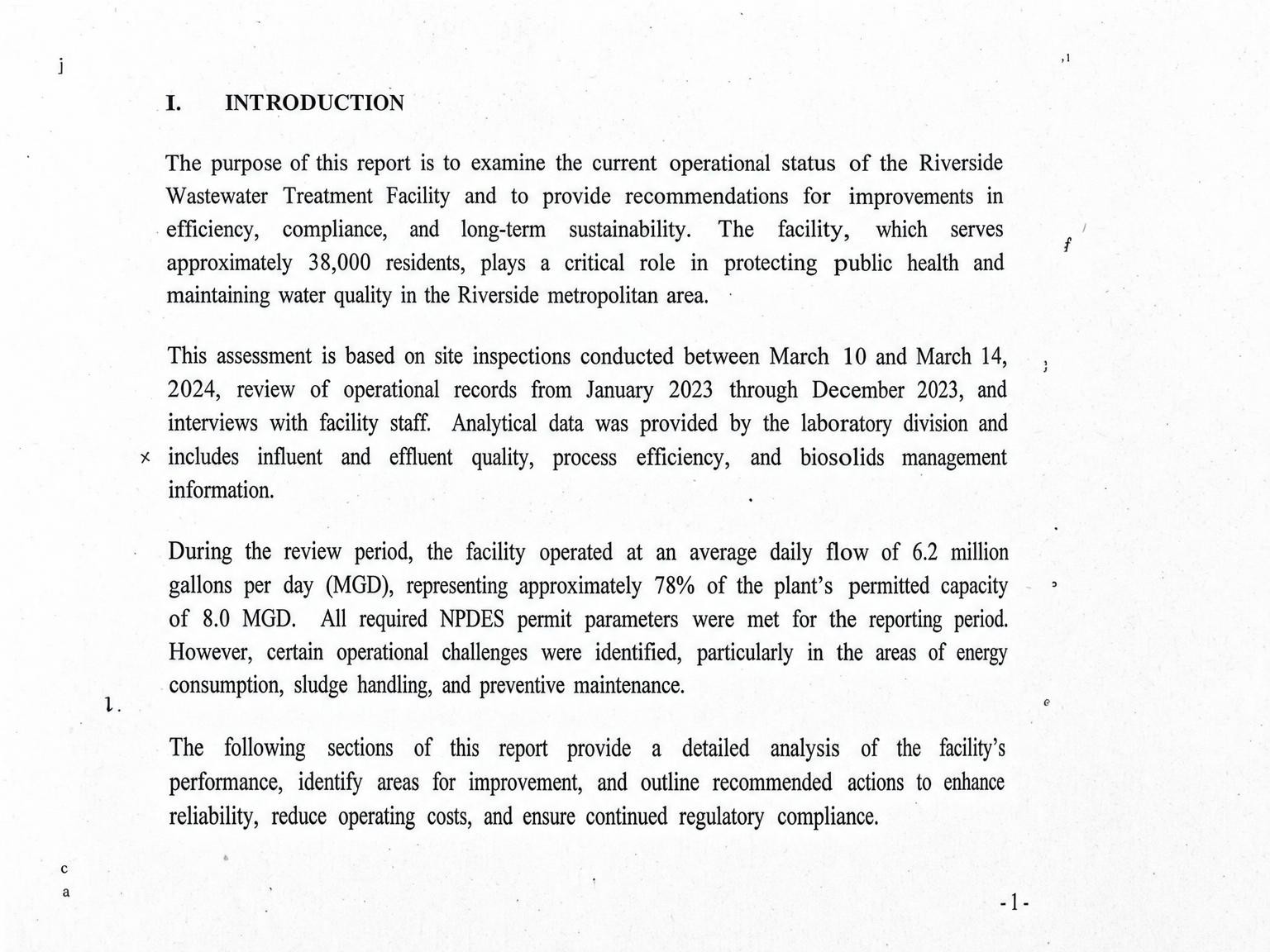
Paper scan with OCR-like stray character marks. After = marks gone; paper tone restored. · Drop after: /assets/cases/text-scan-after.jpg
4:3 · longest side 1400–1800px · matching before/after crop · JPEG/WebP · sRGB
After pending: /assets/cases/text-scan-after.jpg
Scanner OCR noise lines mistaken for text
Treat stray character-like marks the same way—brush them and restore paper tone for a clean scan.
FAQ