- Daily free credits
- Google sign-in bonus
- Brush-precise erase
- Download results
 brush away distractions before you post - AI Image Cleaner
Paint over people, clutter, watermarks, or text, then let AI inpainting fill the gap. Guest cleans available; Google sign-in adds credits.


Before / AfterClear people from the background.
Upload your photo
One AI eraser. Every kind of unwanted pixel.
Three steps. About thirty seconds.
Upload, paint the erase mask, then download the result.
01
Upload your photo
Drop a JPEG or PNG into the workbench. Oversized edges are resized automatically for reliable processing.
02
Paint the erase mask
Use the brush on anything you want gone—people, clutter, logos, or text. Eraser, undo, and redo keep edits precise.
03
Run clean and download
Start cleaning, wait for the before/after preview, then download the result. Failed jobs refund credits.
Built for cleanup, not gimmicks
Honest limits, precise brush control, and inpainting that rebuilds the background.
- ✓Daily free credits
- ✓Google sign-in bonus
- ✓Brush-precise erase
- ✓Download results
Example cleanup cases
Common distractions people brush away — then download a clean shot.
- BeforeAfter
Tourist photobomb on a landmark shot
Brush the passerby, keep the monument edges, and restore a clean skyline without cloning by hand.
 BeforeAfter
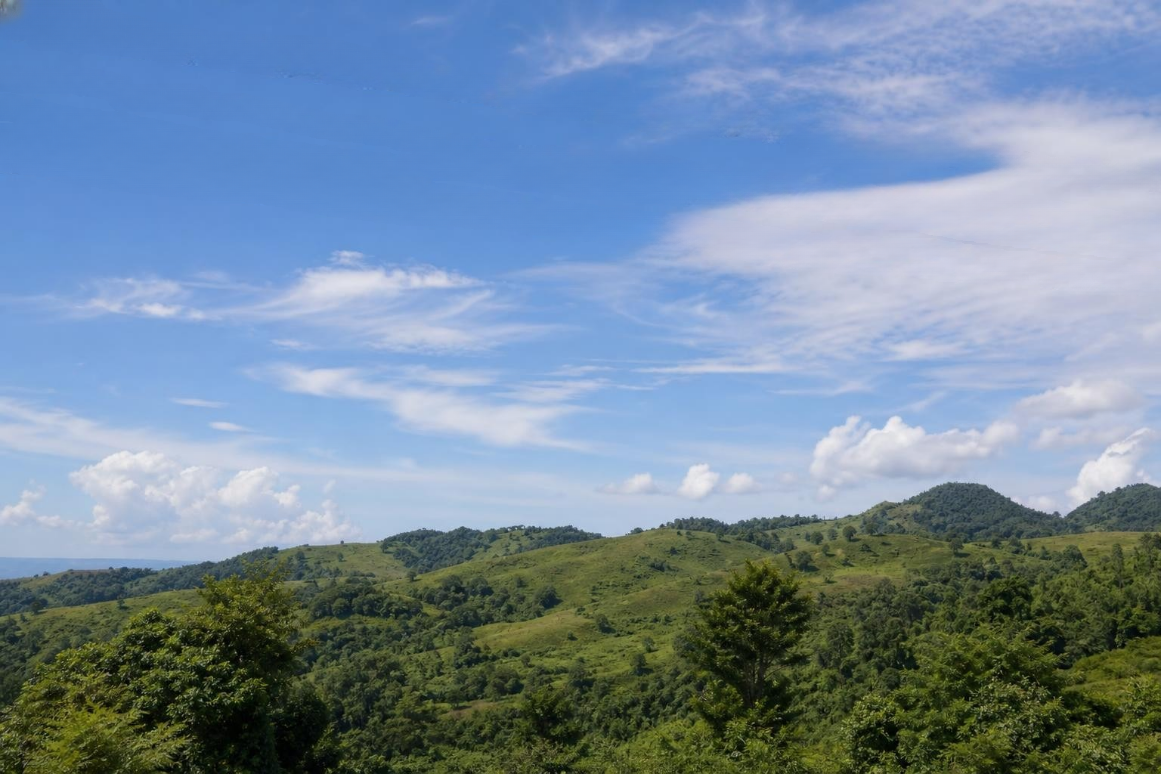
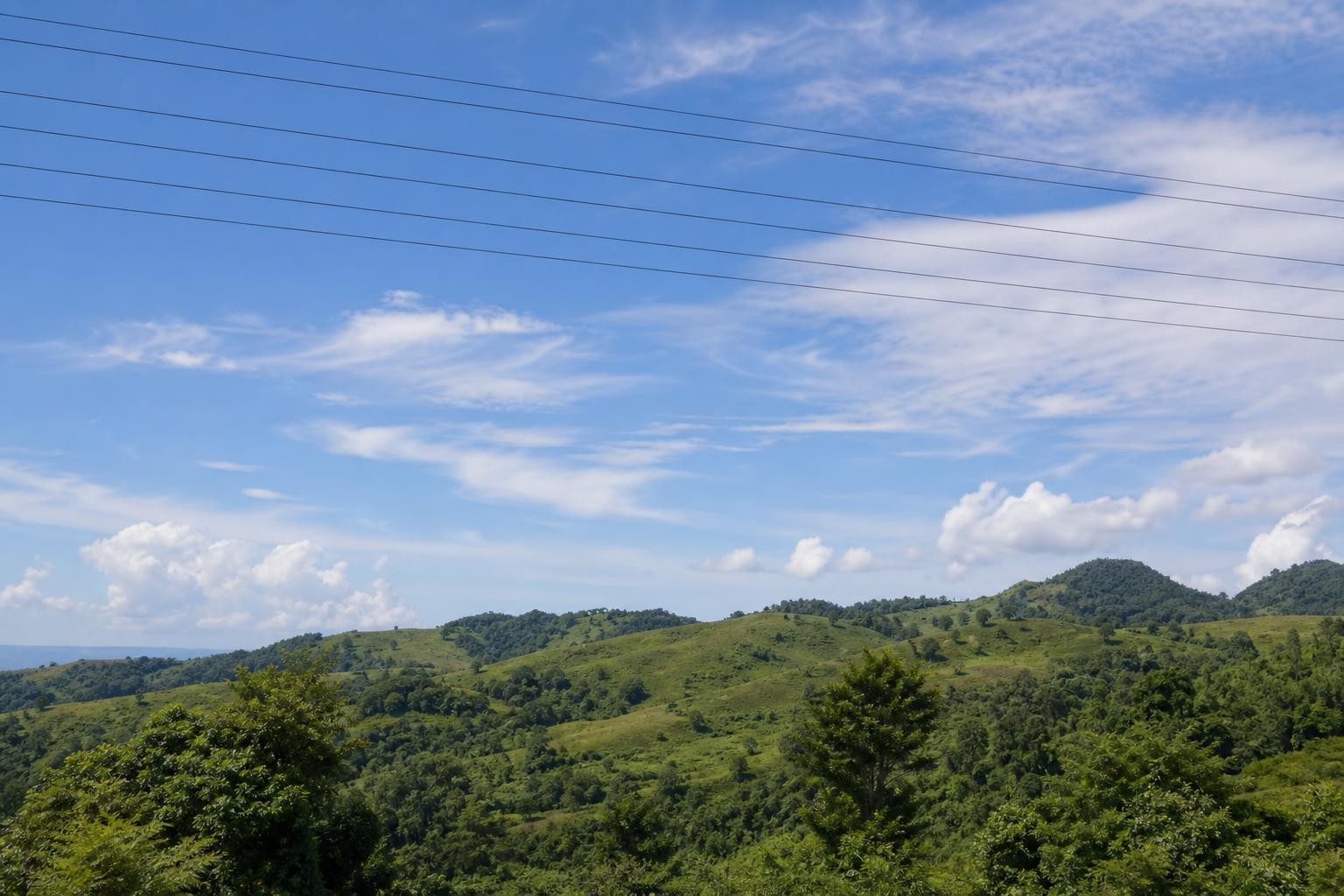
Power lines across a landscape
Mask thin wires against trees or sky; the model fills texture so the horizon reads natural again.
 BeforeAfter
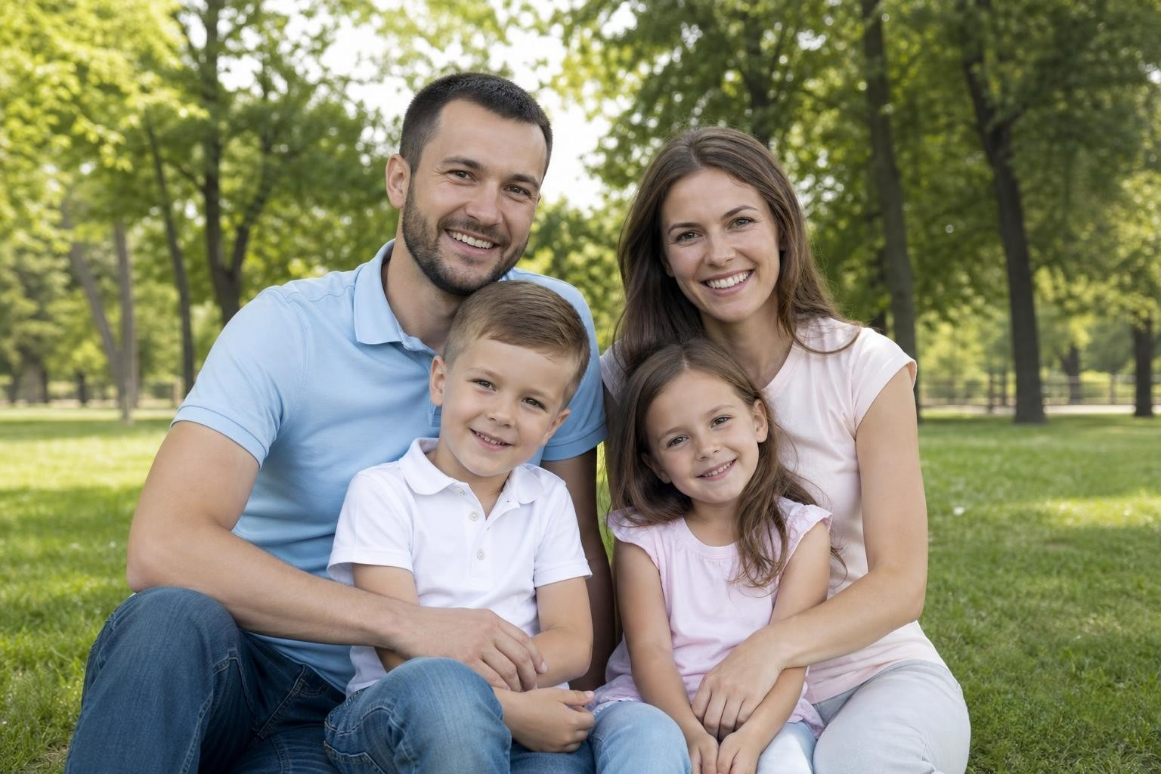
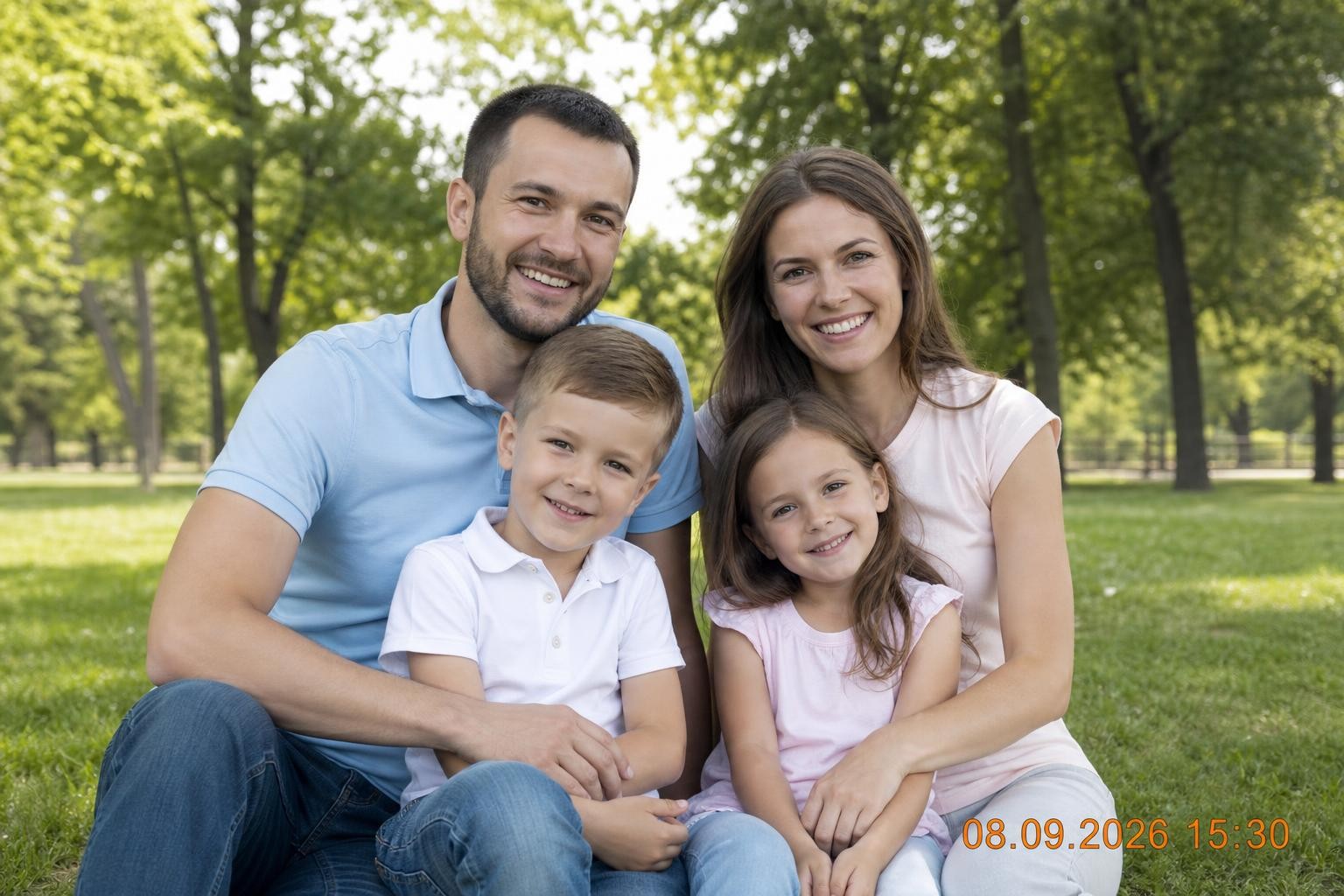
Date stamp in a corner
Cover the stamp and surrounding pixels so the fill matches grain and color of the original print scan.
FAQ